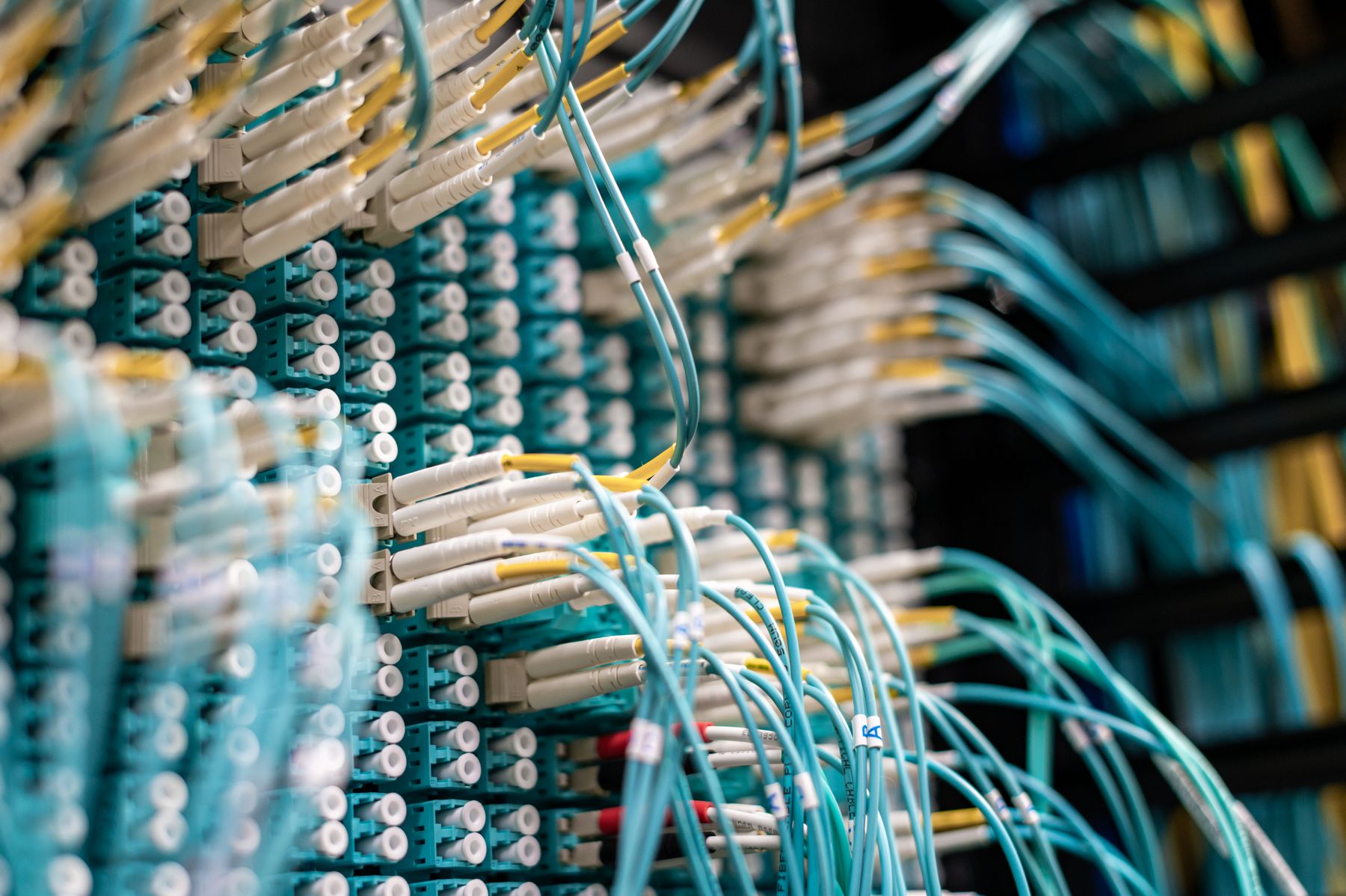
When companies think about Super Intelligence, many assume it means a new platform, a migration and months of disruption. In practice, the most useful solutions rarely replace anything. They connect to the systems you already run, read the data that is already there and help people inside the tools they already know.
Why rip-and-replace is usually the wrong first move
Replacing a core system such as an ERP or CRM is one of the riskiest projects a company can take on. Those systems carry years of configuration, custom fields, reports and unwritten habits. Swapping them out just to "make room" for Super Intelligence adds risk without adding value:
- Data migration is fragile — history, references and edge cases are easy to lose.
- People have to relearn everything — productivity drops before it rises.
- Everything changes at once — when something goes wrong, it is hard to tell why.
- The benefit arrives late — often only after the whole migration is finished.
An integration approach turns this around: the existing system stays the source of truth, and Super Intelligence becomes an additional layer that reads from it and, where appropriate, writes back to it.
How the connection actually works
Most business systems offer at least one way to exchange data. Which one you use depends on what the system supports and what the use case needs.
- REST or GraphQL APIs — the cleanest option. Data is read and written in a controlled way, with the system's own permissions and validation.
- Built-in connectors and webhooks — many ERP, CRM and helpdesk tools can notify another system when something happens, such as a new order or a new ticket.
- Database access — useful for reading data from older in-house systems, ideally through a read-only account or a dedicated view.
- Exports and scheduled sync — when there is no API, a regular export (CSV, XML, Excel) processed by an ETL job is often good enough.
- Email and shared folders — a surprising amount of business work arrives as attachments. These can be an entry point too.
A small integration layer in the middle keeps things tidy. It handles authentication, translates between formats, logs what happened and protects your core systems from unexpected load.
Where Super Intelligence fits into existing tools
Once the data is reachable, the question is where people will actually use the result. Typical patterns include:
- An assistant inside the internal portal or intranet that answers questions using company documents.
- A suggested reply or classification that appears next to an incoming email or ticket.
- A draft order, offer or record prepared from a document and waiting for confirmation in the ERP.
- A summary of a customer's history shown in the CRM before a call.
- A generated report assembled from several systems and delivered on a schedule.
In each case the employee stays in a familiar screen. The new capability appears where the work already happens, which is what makes it stick.
An incremental approach that keeps risk low
Instead of one large project, work in small steps that each deliver something usable:
- Map the systems and the data flow for one specific process — where information enters, where it is stored and who uses it.
- Start read-only. Let Super Intelligence read data and propose results, without changing anything in the core system yet.
- Add a human confirmation step before anything is written back. People approve, correct or reject.
- Write back in a controlled way through the official API, with validation and clear logging.
- Expand gradually to the next process once the first one runs reliably.
Each step can be tested on its own, and each one can be rolled back without affecting the rest of the business.
Things to check before you start
- Does the system have a documented API, and is it included in your licence?
- Are there rate limits or maintenance windows to respect?
- Which user account will the integration use, and what should it be allowed to see?
- Where will the integration run — on your servers or in the cloud?
- Who is notified if a connection fails?
Access rights and data handling deserve special attention; we cover them in more detail in data, privacy and reliability.
In short
- Keep your ERP, CRM and tools as the source of truth
- Connect through APIs, connectors, webhooks or scheduled sync
- Show results inside the tools people already use
- Start read-only, add human confirmation, then write back
- Expand one process at a time
How int32 can help
We connect Super Intelligence to existing systems — ERP, CRM, internal portals and databases — and build the integration layer that keeps it reliable. Read more about Super Intelligence integration and integrations & automation, see typical use cases, or get in touch and tell us which systems you run today.