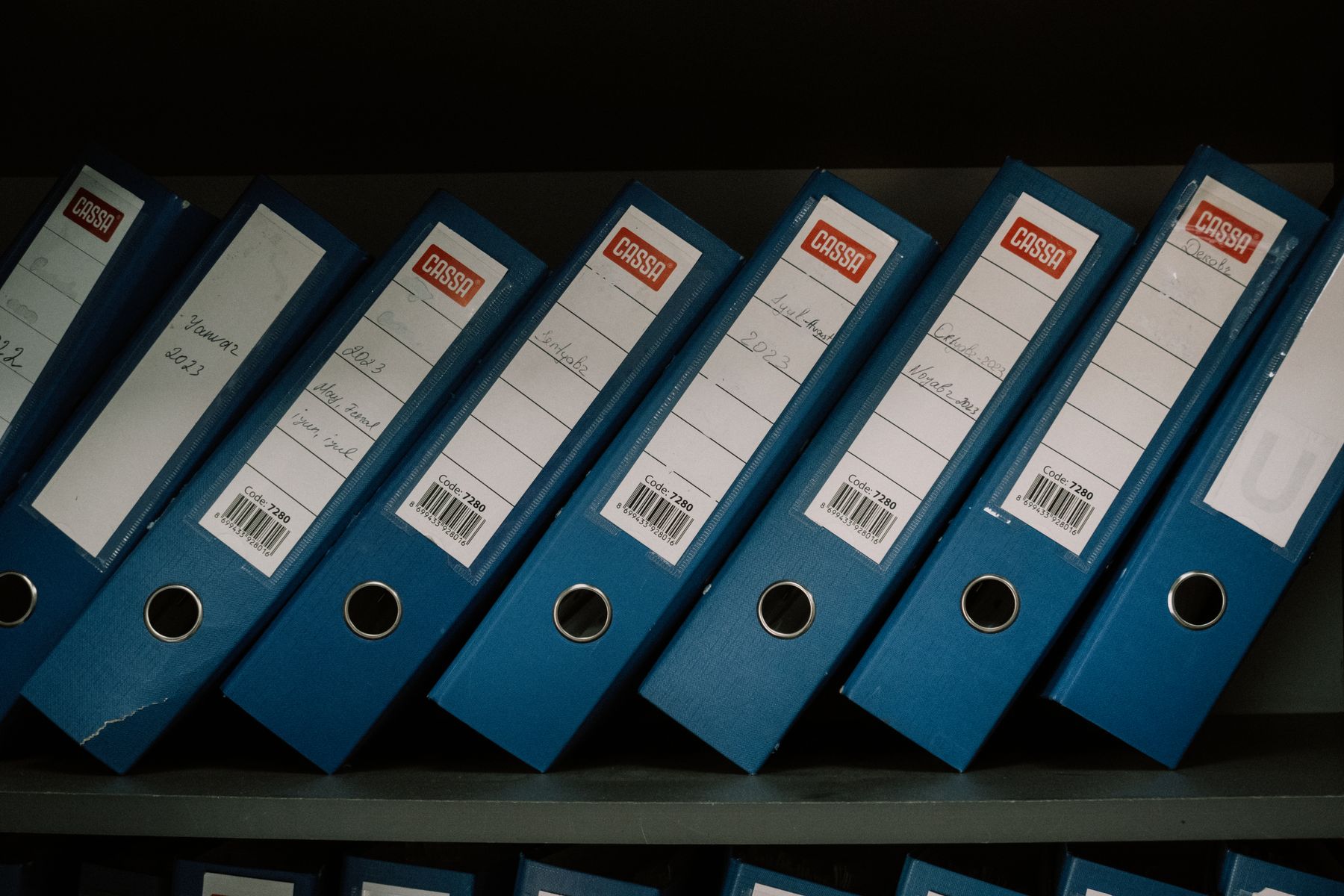
Every company has knowledge that is written down but hard to reach. It sits in shared drives, old email threads, PDF manuals and folders only one colleague knows how to navigate. When that colleague is on holiday, the answer effectively disappears. Smart document search changes that by letting people ask a question in plain language and get an answer grounded in your own documents.
Why classic search is not enough
Keyword search works when you already know the exact words used in a document. In real work, you rarely do. Someone asks "what is the warranty period for this product line?" while the contract says "the guarantee shall be valid for…". Typical problems with classic search include:
- Different wording — synonyms, abbreviations and internal jargon hide relevant results.
- Too many hits — a list of fifty files is not an answer.
- Scanned documents — text inside images and older PDFs is often not searchable at all.
- Scattered sources — the answer is split across a manual, an email and a spreadsheet.
How smart document search works
Behind the scenes, the approach is usually called retrieval: first find the most relevant passages, then let Super Intelligence compose an answer using only those passages. In simple terms:
- Collect — documents are gathered from the places they already live: file shares, document management systems, intranet pages, ticketing tools.
- Prepare — text is extracted, scanned pages are recognised, and long documents are split into meaningful sections.
- Index — each section is indexed by meaning, not just by keywords, so related wording can still be found.
- Retrieve — when someone asks a question, the most relevant sections are found.
- Answer with sources — Super Intelligence writes a short answer based on those sections and links to the exact documents it used.
The key point: the answer comes from your documents, not from general knowledge. If the documents don't contain the answer, a well-built system says so instead of guessing.
Always keep sources cited
Citing sources is not a nice-to-have; it is what makes the system trustworthy. Each answer should show which document, and ideally which section, it came from. That lets employees:
- verify the answer before relying on it, especially for contracts or safety procedures,
- read the surrounding context when the question is more nuanced,
- spot outdated documents that should be updated or archived.
Respect access rights from day one
Not everyone in a company should see everything. Salary data, personal files, certain contracts and board documents are restricted for good reasons. A document search system must follow the same rules:
- Carry over permissions from the source system instead of inventing new ones.
- Filter results by the user's rights before an answer is generated, not after.
- Keep sensitive collections separate if needed, with their own access groups.
- Log who searched for what, so access can be reviewed.
We discuss this topic more broadly in data, privacy and reliability.
Good first collections to start with
You don't need to index the whole company at once. Start with one well-defined collection where people ask the same questions again and again:
- Technical manuals and product documentation for service and support teams.
- Internal procedures and quality documents for onboarding new colleagues.
- Contracts and terms for sales and administration — with careful access rules.
- Project documentation so knowledge from past projects isn't lost.
Keep the knowledge base healthy
Documents change. New versions appear, old ones should stop being used. Plan for automatic re-indexing when files change, a clear way to mark documents as outdated, and a simple feedback button so users can report a wrong or incomplete answer. That feedback is often the fastest way to find gaps in your documentation.
In short
- Ask in plain language, get an answer from your own documents
- Every answer links to its source
- Access rights are respected before answers are generated
- Start with one collection people search often
- Keep the index current and collect user feedback
How int32 can help
We build document search and knowledge retrieval that connects to where your documents already live and fits into the tools your team uses. Learn more about Super Intelligence integration, see typical use cases, or get in touch and tell us which documents your team searches most.